


.png)

.png)
.avif)

monday CRM in action

Dominic Harris
Co-Founder

Lizzie Post
Co-president

Luca Pope
Global Client Solutions Manager

Christopher Stone
Vice President of Business Development

Kyle Dorman
Operation Department Manager



 PricingContact salesLog in

Grow faster with the most intuitive CRM - powered by AI and code-free automations..



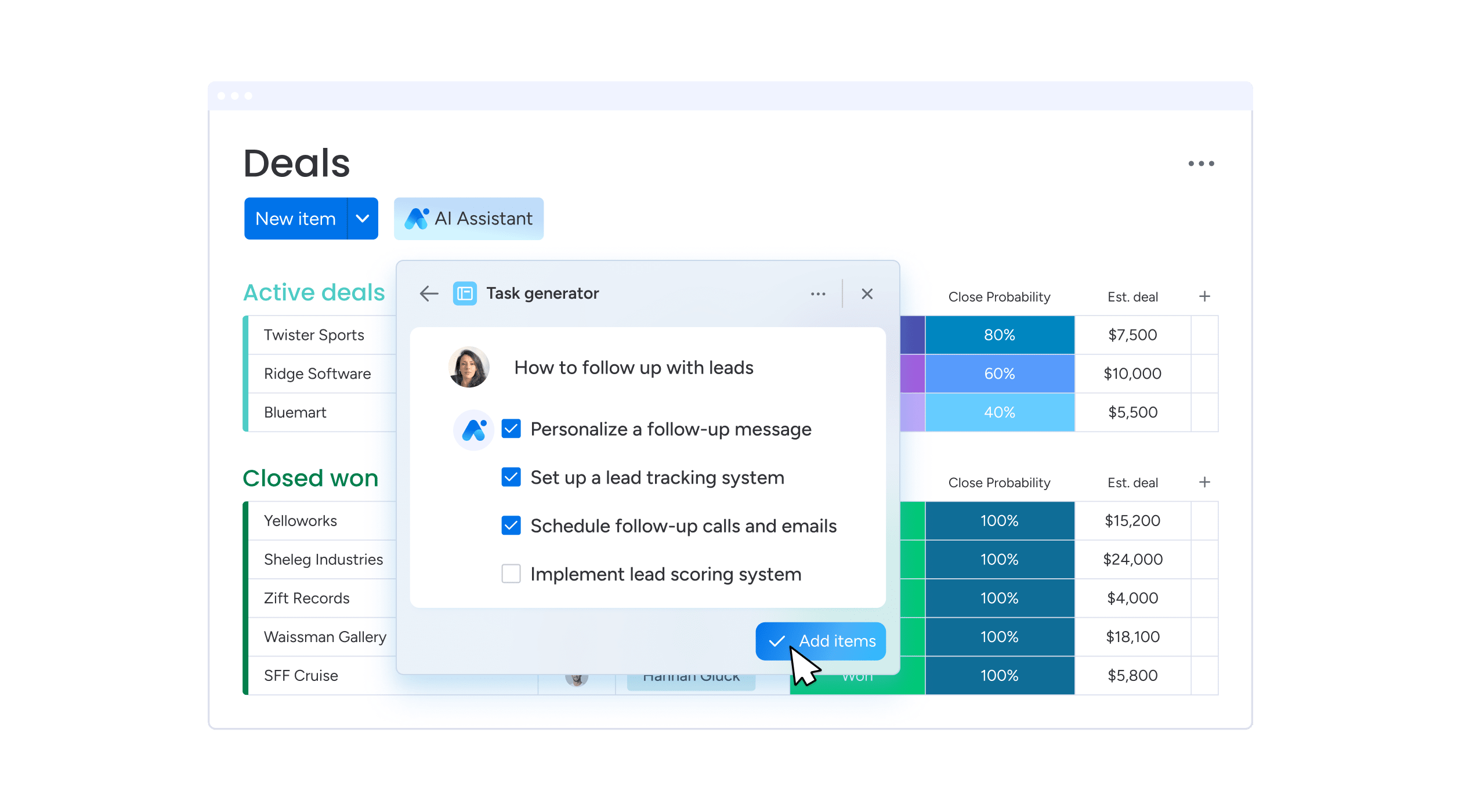

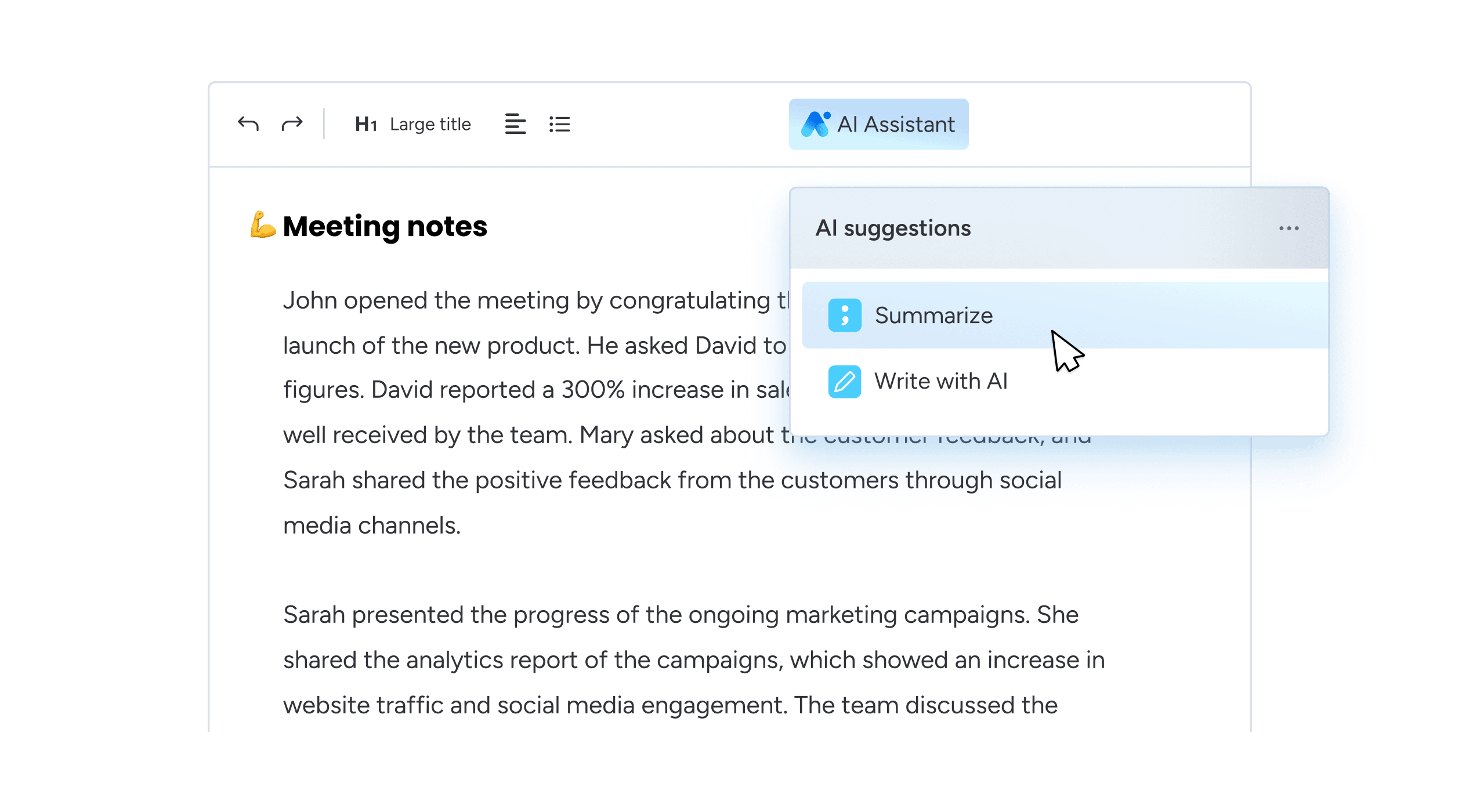

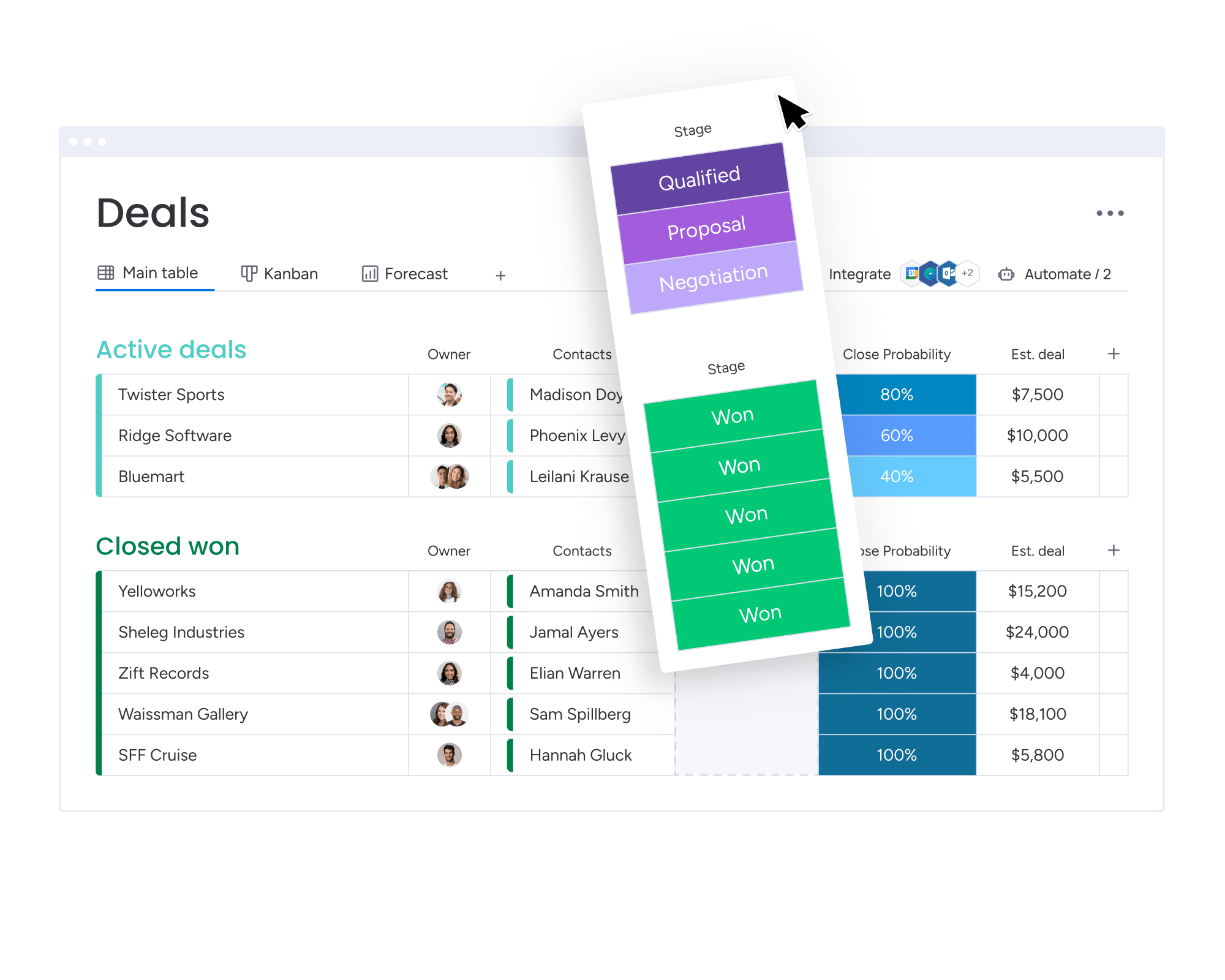
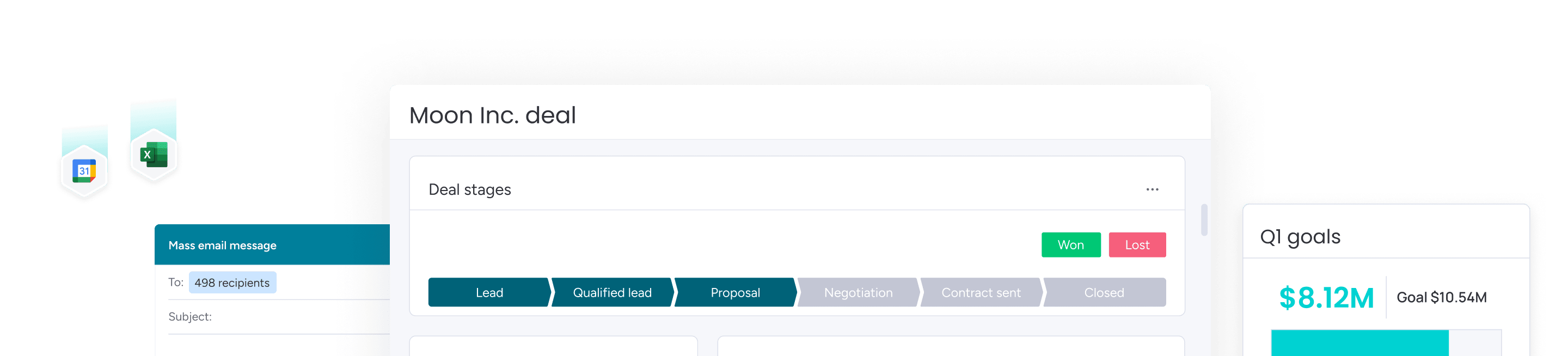
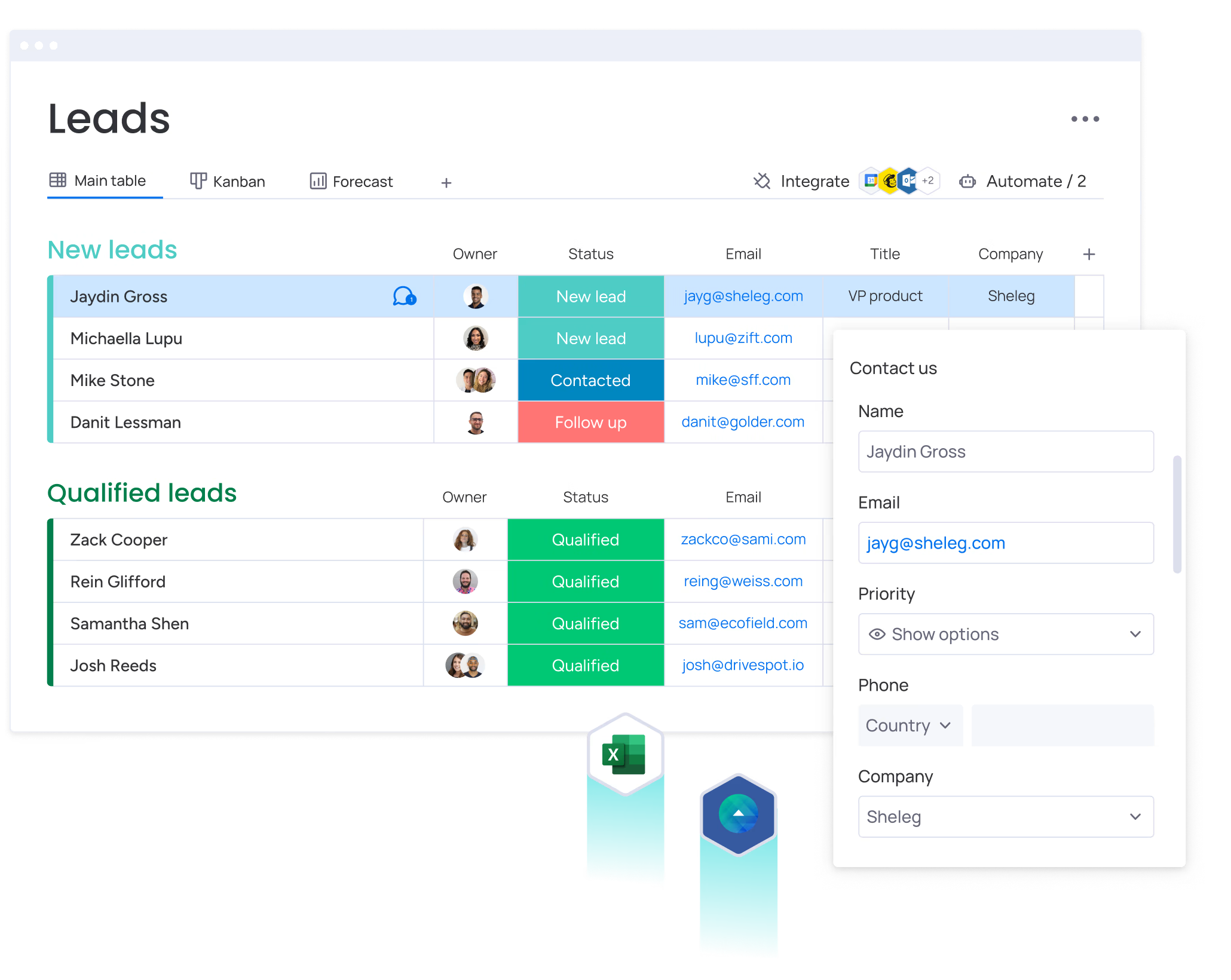
Easily tailor your CRM to work for you, without any development help. Edit deal stages, add as many columns as you'd like, manage multiple pipelines at once, and more.
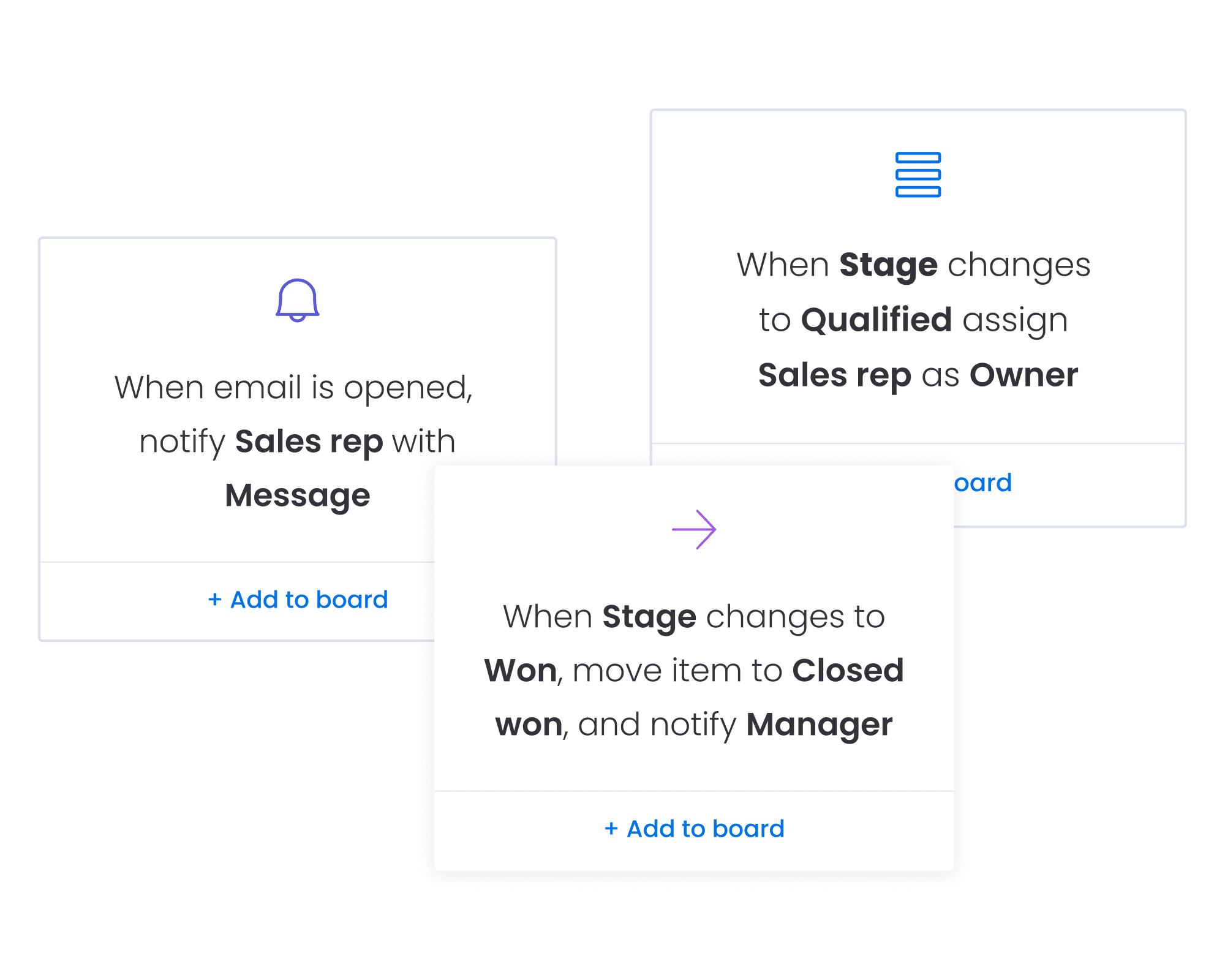
Close more deals by automating repetitive work. Automatically assign leads to reps, set reminders for upcoming activities, get notified when a lead opens an email, and more.

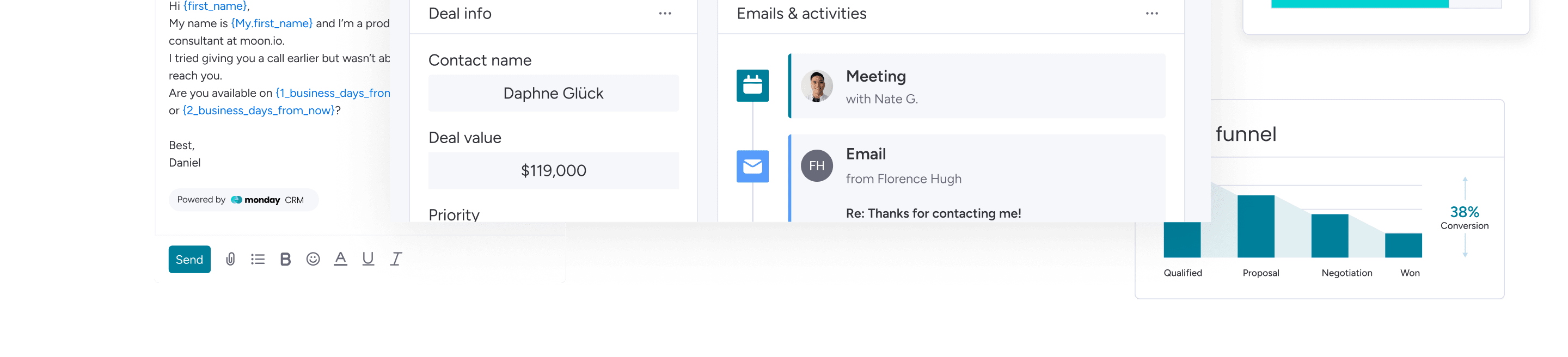
Efficiently reach contacts at every stage of your pipeline with the right message using powerful features like personalized sequences, mass emailing & tracking, and AI email writing.
Bring all of your essential processes and data into monday CRM for your smoothest workflows yet. Who said you can’t have your apps and use them too?


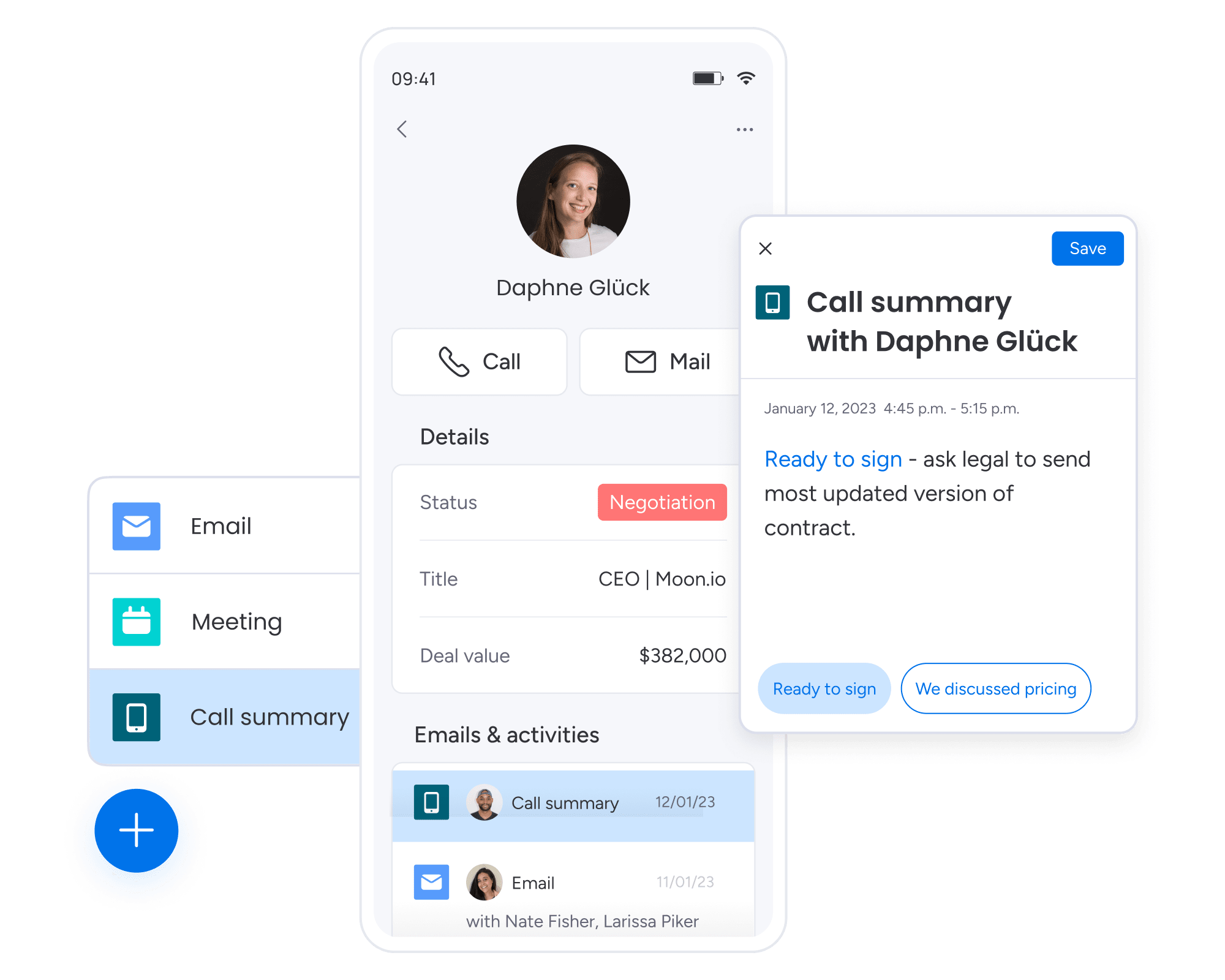
With a dedicated mobile experience that makes it easy to manage your pipeline on the go, you’ll always be in the loop. Automatically logging calls, checking report statuses, and adding new activity are just a few of the actions that are a click away.

Create, launch, and optimize on-brand email campaigns, straight from your CRM.
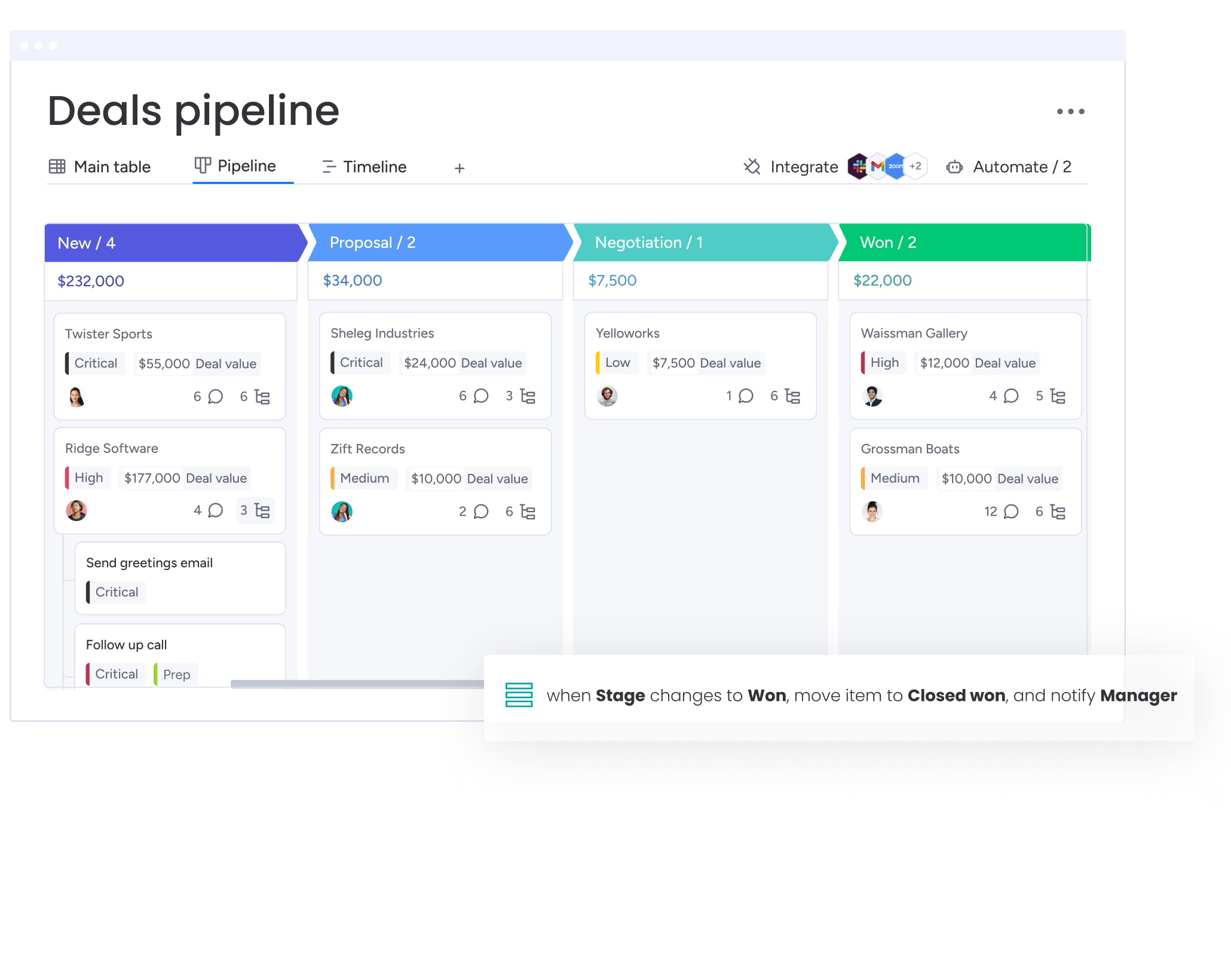

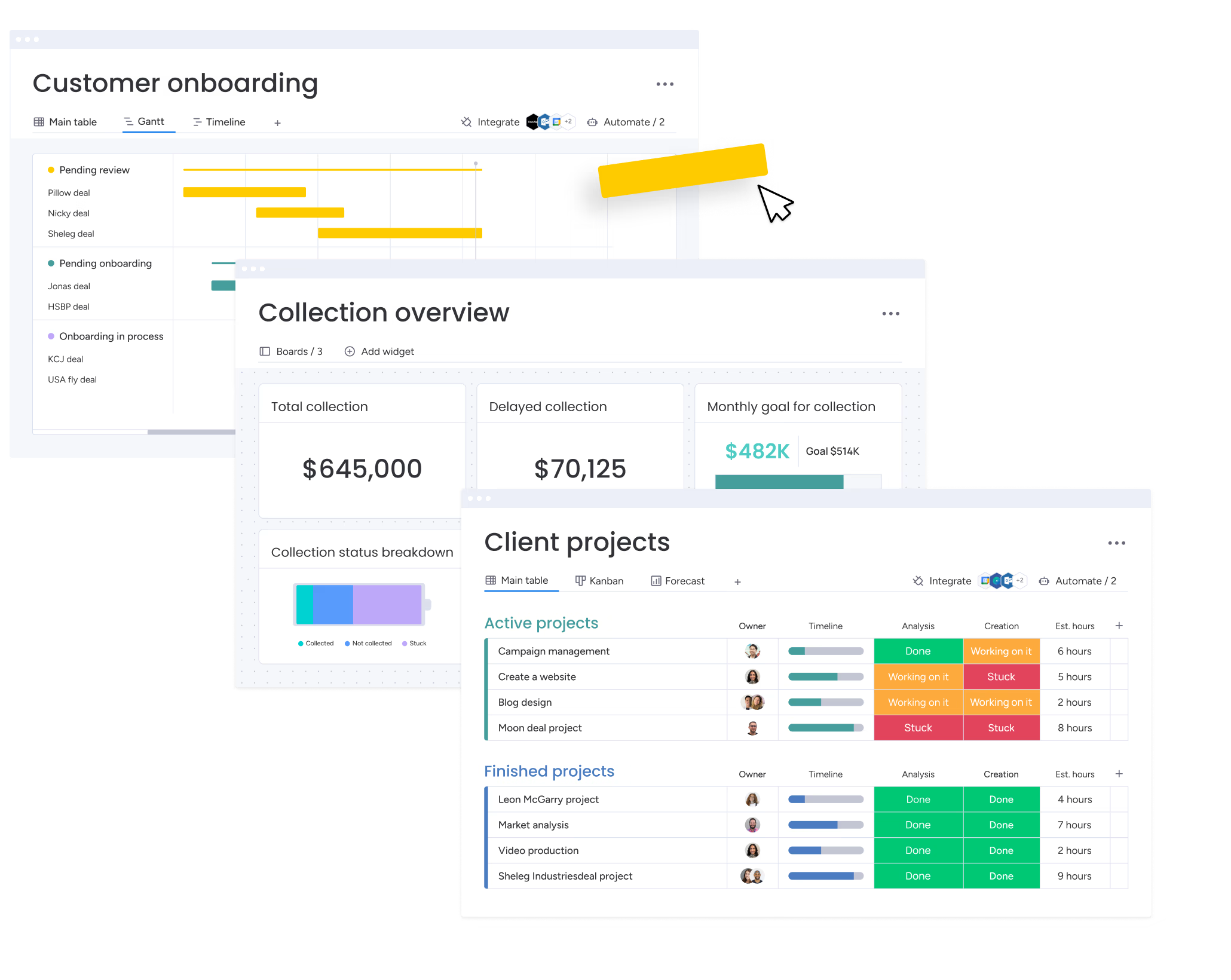
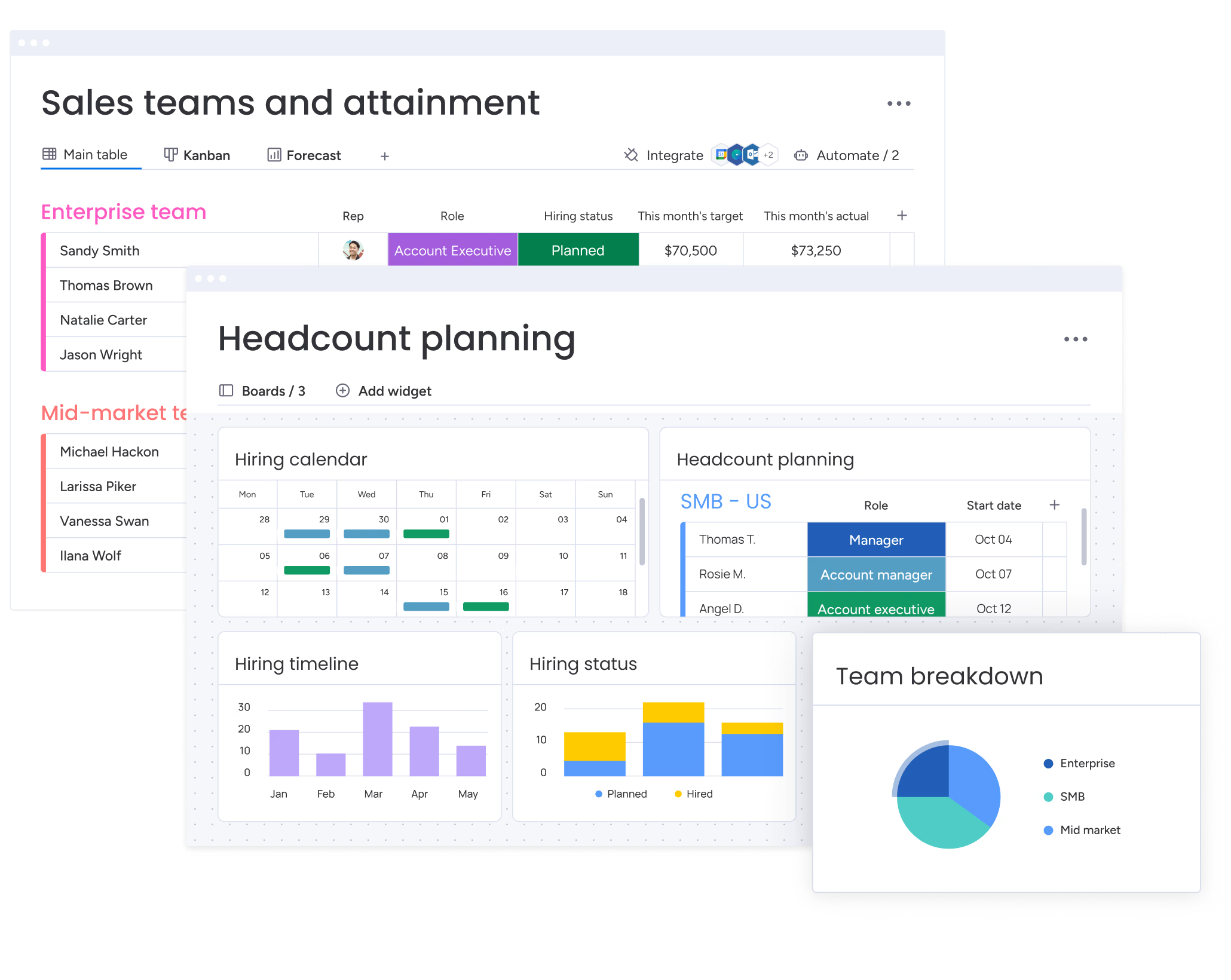
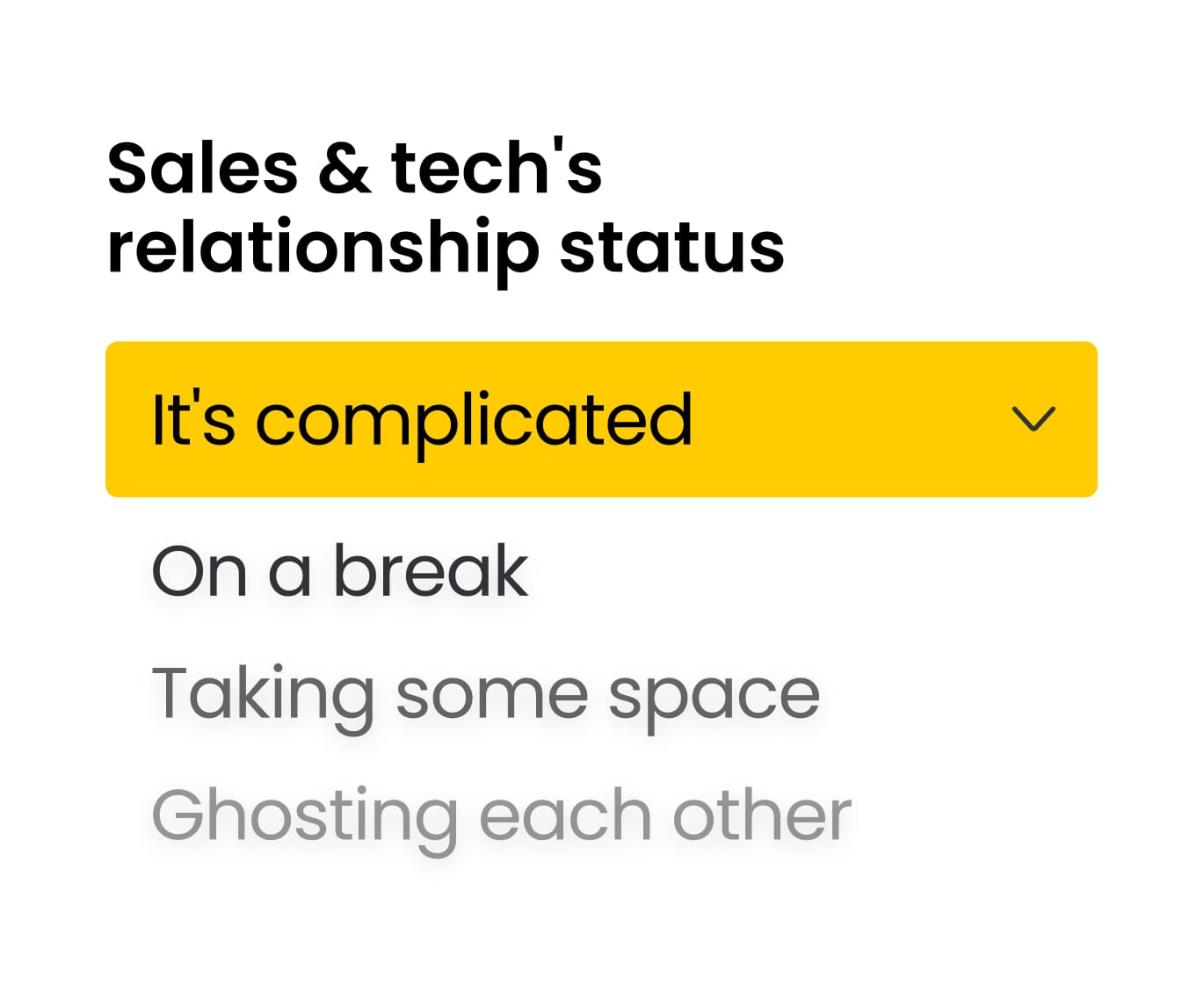
Today’s sales teams often have access to more technology than ever before. The promise: to boost efficiency. But is it working? Are sales teams satisfied with their tech and saving time?


Customer Relationship Management is a platform that helps companies manage relationships and interactions with current and potential customers. CRM software helps businesses improve customer relationships by connecting with customers, streamlining activities, and improving retention.
CRM software can be used to improve every part of the sales process, from pre- to post-sales. CRMs help companies build relationships with their customers by organizing all customer activity, interaction, and information in one place. This means that anyone on the sales team can understand exactly where a relationship stands.
CRMs also help companies optimize processes with automations that reduce manual tasks and keep work moving forward. Plus, integrations operate between the CRM and any external apps or platforms to make processes smoother and more centralized.
Data is also a central pillar for CRMs – they gather lots of data on the sales process, team members, the pipeline, and more. Then, anyone can display the data in many different ways to understand which areas are working well and which need improvement. This offers key insights into how to strengthen any company.
These are just a few of the ways to use CRM software but with a flexible and customizable CRM, the possibilities are endless.
A few reasons to use CRM software include:
The three types of CRM are Collaborative CRM, Analytical CRM, and Operational CRM. Each type is built for different needs.
Collaborative CRMs for instance, improve the customer experience by making customer information and communications across team members and external stakeholders—like suppliers and distributors— easier.
Analytical CRMs boost customer retention and acquisition by collecting data from different channels (contact lists, email, social media, and more) and making it accessible and actionable.
Lastly, Operational CRMs are built for generating leads and closing deals by automating the repetitive processes such as identifying prospects or forecasting sales.
Good CRM software helps you gain visibility into your sales pipeline, collects and qualifies leads from any source, allows you to customize your pipeline, provides a 360° view of your customers, and gives your sales team the tools they need to close deals.
CRM software helps businesses track and manage every aspect of their sales cycle, customer data, and communications in one place. For example, a CRM could integrate with email, helping teams communicate efficiently with customers.
monday CRM empowers you to streamline sales activities from pre- to post-sales, creating a comprehensive and frictionless sales cycle.
There are several key elements that set this CRM software apart from others:
Companies can completely customize the look and feel of the platform with flexible column types, detailed subitems, customizable views, robust sorting capabilities, and more.
Extensive automations power processes, reducing time wasted on manual work and freeing up time for more relationship building and selling.
Comprehensive data visualization includes live reports and analytics using prebuilt dashboard and widgets for deep and meaningful insights. This also includes a Kanban view, timeline view, Gannt charts, and headcount planning features.
The low-code/no-code platform means that even non-tech savvy users can jump in and design their own workflows with the intuitive, visual and easy to use interface.